How to Promote Direct Mail Before It Arrives
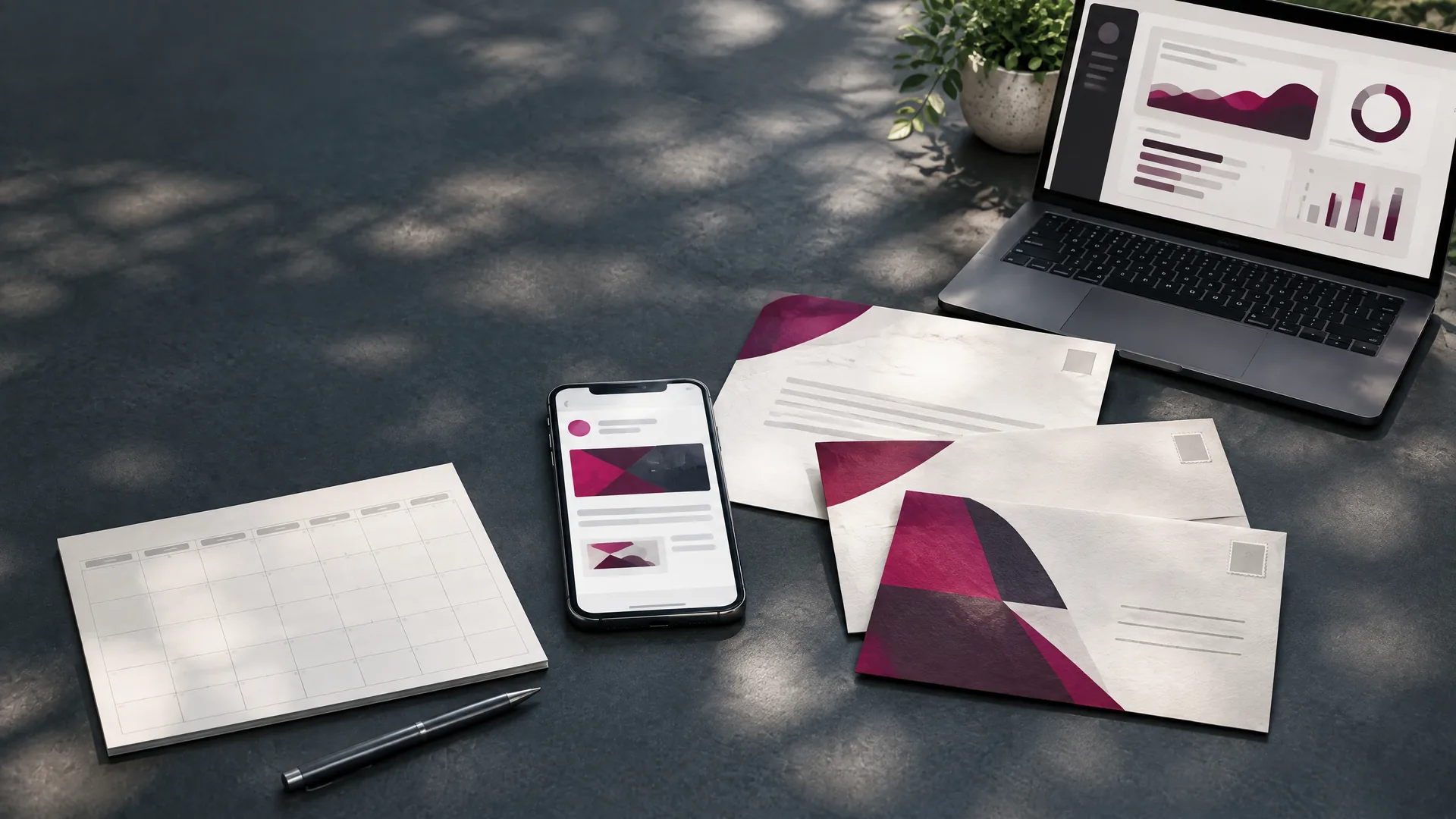
Direct mail does not have to begin when someone opens the mailbox. With the right campaign setup, you can introduce the sender, show the creative, and give a recipient a reason to recognize the piece before the physical delivery.
This is not about replacing direct mail with email. It is about coordinating the digital preview with the printed message so each touchpoint prepares the recipient for the next one.
What Does “Promoting Direct Mail Before It Arrives” Mean?
Pre-arrival promotion gives selected recipients a digital preview connected to an upcoming physical mailpiece. The preview may show the front and back of a postcard or an envelope and insert, identify the sender, and direct the recipient to a relevant digital destination.
One way to do this is Direct Mail Notification, a matched email sent a few days before expected mailbox delivery. For qualifying Mail Movers campaigns, the service also includes a Primary placement in USPS Informed Delivery, creating a sequence of email preview, USPS preview, and physical mail. Learn more on the Direct Mail Notification service page.
USPS Informed Delivery is a separate USPS service that lets eligible enrolled users preview incoming mail through a Daily Digest, USPS dashboard, or mobile experience. Business mailers can also participate in interactive Informed Delivery campaigns that connect eligible mailpieces with digital campaign content.
1. Start With One Campaign Message
The email preview, Informed Delivery campaign, physical mailpiece, and landing page should feel like parts of the same campaign. Use the same offer, deadline, visual identity, and next step across every touchpoint.
A recipient should not see one message in the preview email and a different promise on the postcard. That creates confusion rather than recognition. Before production begins, write the campaign’s central message in one sentence and use it as the decision rule for the creative.
| Industry | One-message campaign example |
|---|---|
| Nonprofit | “Your year-end gift helps local families receive essential services.” |
| Real estate | “See the newest homes and recent sales in your neighborhood.” |
| Restaurant | “Bring this mailer for the opening-week offer.” |
The supporting copy can change by channel, but the promise should remain consistent.
2. Design the Mailpiece for a Digital Preview
A mailpiece that looks strong in print may not be immediately legible in a small email preview. Keep the sender’s name, main offer, and primary visual easy to recognize. Avoid depending on small body copy to carry the core message.
Direct Mail Notification can display two images, which makes it possible to show both sides of a postcard or an envelope and insert. This is most useful when each image has a clear role: the first establishes the sender and offer, while the second provides supporting details or the response path.
The physical piece still needs to meet USPS design and production requirements. Mail Movers can coordinate the print layout, address area, barcode placement, and digital-preview assets as one production process.
3. Choose the Right Audience Match
Pre-arrival email is not the same as emailing a customer newsletter list. The Direct Mail Notification platform can match a campaign list at an individual, household, or address level.
| Match type | Example use |
|---|---|
| Individual | A donor, member, patient, client, or named prospect |
| Household | A family-oriented offer or household decision |
| Address | Real estate farming, local awareness, or geographic coverage |
Address-level matching can produce more matches and emails than individual or household matching. Because Mail Movers prices the service as a run charge based on list quantity and matching level, that broader approach can also cost more.
No matching method reaches every physical mail recipient. The matched email is an added opportunity, not a replacement for the full mailing list.
4. Coordinate the Email With USPS Informed Delivery
USPS Informed Delivery and a pre-arrival matched email serve different audiences and moments. Informed Delivery operates within the USPS experience for eligible enrolled users. Direct Mail Notification is a separate provider-managed email tied to the campaign list.
For Mail Movers’ Direct Mail Notification campaigns, the included Primary Informed Delivery placement helps make the two digital touchpoints part of the same plan. The sequence can look like this:
- A matched recipient sees the email preview a few days before expected delivery.
- An eligible Informed Delivery user sees the piece in the USPS experience.
- The physical mailpiece arrives.
- If ordered with the original campaign, an optional follow-up notification is sent when the piece is expected to be in hand.
The timing should be coordinated with production and postal entry rather than scheduled independently from the mailing. Our Direct Mail Notification versus Informed Delivery comparison explains where each service fits.
5. Send Recipients to a Useful Destination
A digital preview should have a clear next step. That might be a donation page, property-search page, menu, reservation page, appointment request, campaign landing page, or product offer.
Use one primary destination. Make sure it loads quickly on mobile, repeats the mailpiece’s message, and makes the response action easy to find. If the page asks for a form submission, keep the form appropriate to the value of the offer.
The destination should also support measurement. A campaign-specific URL, QR code, source parameter, offer code, or call-tracking number can help connect digital and physical responses to the mailing.
6. Decide Whether a Follow-Up Helps
Not every campaign needs another email after delivery. A follow-up is most useful when the physical piece has a meaningful response window, such as an event date, appeal deadline, reservation period, or time-sensitive offer.
Mail Movers offers an optional Follow-up Notification when it is selected with the original campaign. It is sent when the mailpiece is expected to have arrived and is currently priced at $24 per thousand, 20% below the standard notification rate.
Use the follow-up to reinforce the same action, not to introduce an unrelated campaign.
7. Measure Exposure Separately From Results
The Direct Mail Notification reporting sample supplied to Mail Movers includes mailed and emailed quantities, opens, activity over time and by day or time, responder geography, ZIP-level lift, and Informed Delivery ad-position information.
Those figures show notification exposure and engagement. They do not automatically prove a donation, sale, reservation, appointment, or other business outcome. To understand results, connect the notification report with the campaign’s response tools and your own CRM, donation, reservation, or sales records.
Ask two different questions after the campaign:
- Did the digital preview reach and engage matched recipients?
- Did the complete campaign generate the intended business response?
Keeping those questions separate produces a more honest and useful campaign review.
Three Campaign Examples
Nonprofit appeal
A nonprofit sends a matched preview before an annual appeal letter, receives a Primary Informed Delivery placement, and uses the physical letter to tell the complete story. The digital destination leads to the same campaign donation page. An optional follow-up can reinforce the deadline after expected delivery.
Real estate farming
An agent mails a neighborhood update or just-listed postcard. Address-level matching can broaden the digital preview around the delivery addresses, while the landing page provides current listings, recent sales, or an appointment request.
Restaurant promotion
A restaurant introduces a grand opening, seasonal menu, event, or limited-time offer before the postcard reaches local homes. The email preview and mailpiece use the same creative, while the destination supports reservations, directions, or offer details.
When Pre-Arrival Promotion Is Not the Right Fit
Direct Mail Notification is not the right choice for every mailing. Mail Movers currently requires at least 1,000 direct-mail records, a $100 minimum run charge, and one to two business days for setup. The service is available only with campaigns Mail Movers prints and mails.
It also should not be treated as a guarantee. Match availability varies, and no digital preview can guarantee an open, click, donation, sale, or appointment. The strongest campaigns still depend on a relevant audience, clear offer, credible creative, well-built response path, and properly produced mailpiece.
How Much Does It Cost?
Standard Direct Mail Notification pricing starts at $30 per thousand with a $100 minimum run charge. The final price depends on the direct-mail list quantity and matching method. Address-level matching can create more email matches and therefore a higher run charge than individual or household matching.
The optional Follow-up Notification is currently $24 per thousand when ordered with the original campaign.
Plan the Digital Preview With the Mailing
The most effective time to discuss pre-arrival promotion is before the campaign goes into production. That gives Mail Movers time to review the list, choose the matching approach, coordinate the artwork, establish the response destination, and align the notification with the postal schedule.
Explore the Direct Mail Notification service, compare Direct Mail Notification and USPS Informed Delivery, or schedule a consultation to discuss your list, timing, mail format, and campaign goal.
Tags:
Ready to Start Your Direct Mail Campaign?
Let Mail Movers help you create effective direct mail campaigns that deliver results. Get a free quote or explore our services to learn more.
Related Articles
Why Print Marketing Still Works in a Digital-First World
Print marketing still has a practical role in a digital-first world. Learn how coupons, catalogs, and direct mail can support a more useful customer journey.

How Direct Mail Can Help Build Stronger Customer Relationships
Strong customer relationships grow through relevant communication, useful feedback, and thoughtful follow-up. Learn how direct mail can support that work.

Sustainable Print Marketing: 5 Ways to Reduce Waste Without Losing Focus
More sustainable print marketing starts with fewer unnecessary pieces, better audience choices, and production decisions tied to a clear campaign goal.